
Internal linking is the highest-leverage SEO work that most sites can do right now. You don’t need outreach, extra budget, or approval from anyone else. It’s simply a decision about how your own pages connect to each other.
It’s also the work people skip most often because it feels routine and works behind the scenes. Nobody puts “restructured our internal links” in a case study headline. But when we audit sites, this is usually where the biggest wins are hiding: orphaned pages nobody can reach, homepage authority going nowhere, and multiple pages competing for the same keywords.
Here’s how to do it properly.
TL;DR
Internal linking distributes authority between your pages and tells search engines which are most important and how they relate. Good site architecture keeps every important page within about three clicks of the homepage, groups related content into topic clusters, and uses descriptive anchor text. Common problems include orphaned pages, over-linked navigation that dilutes authority, and keyword cannibalization from multiple pages targeting one query.
→ Book a free site architecture audit
What is internal linking and why does it matter?
Internal linking is the practice of linking between pages on your own site, and it matters because those links help search engines discover pages, understand relationships between them, and distribute ranking authority across your site. External links bring authority in; internal links decide where it goes.
Three distinct jobs:
- Discovery. Crawlers follow links. A page with no internal links pointing at it may never be found.
- Context. Anchor text and surrounding content tell search engines what the linked page is about.
- Authority distribution. Link equity flows through internal links. Your best-linked page can pass authority to pages that have none.
That third job is the one most sites waste. A homepage with strong external links that only connects to top-level navigation holds authority it could route to the pages that actually need to rank.
What does good site architecture look like?
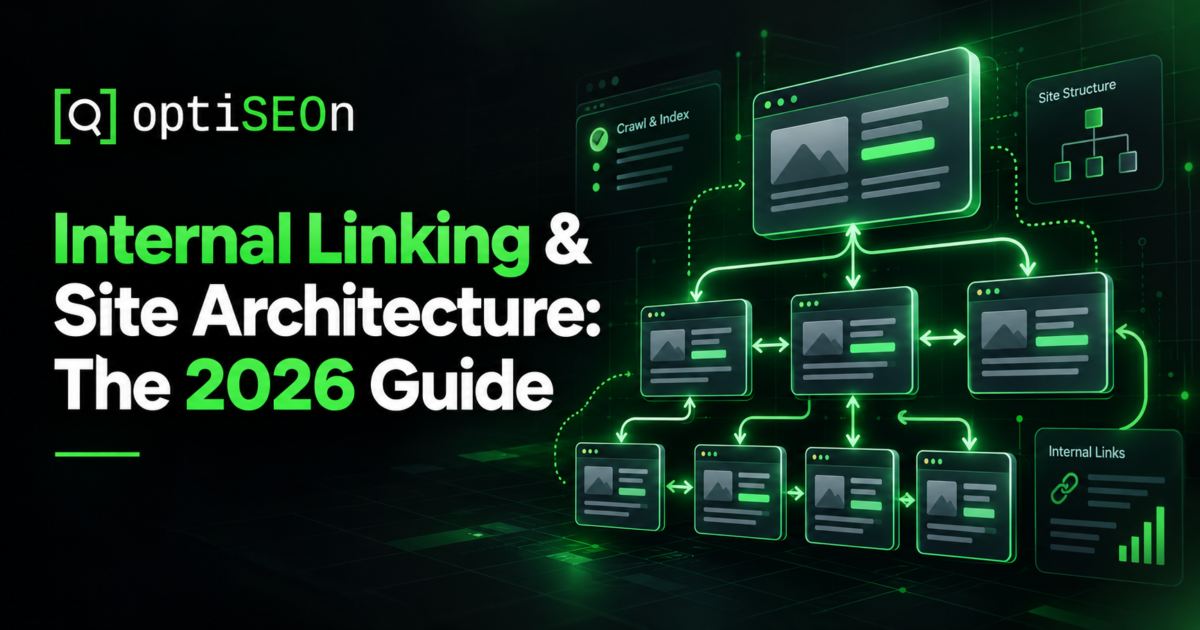
A good architecture is shallow and logical: every important page reachable within about three clicks of the homepage, content grouped into thematic clusters, and a clear hierarchy from broad hub pages down to specific ones. Deep site structures hurt performance. Pages buried five or six clicks down get crawled less often and struggle to rank.
The standard structure that works:
Homepage

├── Service/Category hub

│   ├── Specific service page

│   └── Specific service page

├── Location hub (for local/multi-location)

│   └── Individual location pages

└── Blog

    ├── Topic cluster hub ("pillar")

    │   ├── Supporting post

    │   └── Supporting post

    └── Topic cluster hub
For multi-location businesses, this maps directly onto the locations-hub pattern described in Multi-Location & Franchise SEO.
What is a topic cluster?
A topic cluster is a group of related pages organized around one comprehensive “pillar” page, with every supporting page linking up to the pillar and the pillar linking back down to each of them. It signals topical authority and concentrates relevance on the page you most want to rank.
In practice: a pillar page covering a broad topic comprehensively, five to fifteen supporting posts each covering one sub-topic in depth, bidirectional links between pillar and supporting pages, and lateral links between closely related supporting pages.
This blog is built that way. AEO vs SEO vs GEO vs LLM Optimization functions as a definitional pillar that dozens of more specific posts link back to.
What is keyword cannibalization and how do I fix it?
Keyword cannibalization happens when multiple pages on your site target the same search intent, splitting ranking signals so none performs as well as a single consolidated page would. The fix is consolidation: merge the overlapping pages into the strongest one and 301-redirect the rest.
How to find it:
- Search site:yourdomain.com “target keyword” and see how many of your pages surface.
- In Search Console, filter by query and check whether different pages rank for it on different days. That constant back-and-forth is a clear sign of cannibalization.
- Look for near-duplicate titles across your content.
We’ll be direct about this: auditing this blog turned up three cannibalization clusters of our own — several posts covering “how AI changed search,” two covering ranking factors, and two covering terminology. Publishing a guide to a problem while having the problem is a good reason to fix it, which we’re doing. The framework is in Content Refresh & Pruning.
How should I write anchor text?
Use descriptive, natural anchor text that tells readers and search engines what to expect on the target page. Avoid generic terms like “click here,” skip raw URLs, and don’t repeat exact-match anchors across every link. Natural writing varies; repetitive linking looks unnatural.
Practical guidance:
- Descriptive beats generic. “Our Core Web Vitals guide” beats “click here.”
- Vary phrasing across links to the same page.
- Keep it natural. Anchor text that feels forced usually signals over-optimization.
- Link from relevant context, mid-content, not just from a footer block.
- Front-load important links. Links early in the body carry more weight than ones buried at the bottom.
What are orphaned pages?
An orphaned page is one with no internal links pointing to it, meaning crawlers can only find it via the sitemap and it receives no authority from the rest of your site. They’re extremely common on older sites and easy to fix.
Find them by crawling your site (Screaming Frog or similar), exporting all URLs, comparing against your XML sitemap and analytics, and flagging any page with zero inlinks. Then link to each from a relevant hub or related content page.
While running your crawl, check for internal 404s and redirect chains where links point to missing or moved URLs. These waste crawl budget and accumulate quietly whenever page slugs are updated. If you’ve ever renamed a URL without setting up a redirect, you likely have a few.
How many internal links should a page have?
There’s no hard limit, but every link on a page divides the authority it passes, so a page with 200 links passes far less through each one than a page with 20. Prioritize relevance over volume.
A good rule of thumb is three to ten contextual links in a standard blog post. Hub pages can naturally include more, but keep your primary navigation clean. Including 150 links in a mega-menu across every page dilutes authority significantly.
Sensible defaults: three to ten contextual links in a typical blog post, more on hub pages where linking out is the point, and navigation kept lean — a mega-menu linking to 150 pages from every page on the site dilutes considerably.
How internal linking affects AI visibility
Internal links help AI systems the same way they help crawlers: they establish which pages matter, how topics relate, and what your site is authoritative about. A well-structured cluster makes it substantially easier for a model to identify your site as a coherent source on a topic rather than a scattering of unrelated pages.
Pair this with clear structured data — our free schema markup generator produces the JSON-LD, and 10 Schema Markup Types covers which to use where. Architecture and schema together are how a site becomes machine-legible.
A practical internal linking audit
- Crawl the site and export your internal links, inlink counts, and click depth.
- Find orphans with zero inlinks and connect them from relevant pages.
- Find deep pages that sit more than three or four clicks from home and bring them closer.
- Export internal 404s and redirect chains, and fix every one.
- Identify cannibalization and consolidate.
- Map your clusters to make sure every supporting post links to its main pillar and back.
- Check your money pages’ inlink counts. Your highest-value commercial pages should be among your most internally linked. Usually they aren’t.
- Review anchor text for generic or over-repeated patterns.
Point 7 catches the most value in our experience. Most sites link heavily to their blog and barely at all to the pages that generate revenue.
Frequently Asked Questions
How many internal links should a page have?
There’s no fixed limit, but each link divides the authority a page passes, so relevance matters more than volume. Three to ten contextual links in a typical blog post is reasonable; hub pages legitimately carry more. Avoid bloated navigation that links to every page from every page.
Do internal links help SEO?
Yes. They help search engines discover pages, understand topical relationships through anchor text and context, and distribute ranking authority around your site. Internal linking is one of the few meaningful ranking levers entirely within your own control.
What is keyword cannibalization?
Keyword cannibalization happens when multiple pages on your site compete for the same search intent, splitting ranking signals so none performs at its best. Find it by searching site:yourdomain.com “keyword” or watching for different pages ranking for the same query on different days, then consolidate into one page and redirect the others.
How deep should my site structure be?
Keep important pages within about three clicks of the homepage. Pages buried deeper get crawled less frequently and receive less internal authority. If a valuable page sits five clicks deep, add links from relevant hub pages to shorten the path.
What’s the difference between a pillar page and a cluster?
A pillar page covers a broad topic comprehensively and acts as the hub. The cluster is the pillar plus its supporting pages, each covering one sub-topic in depth, all linking to the pillar and linked from it. The structure concentrates topical relevance on the pillar.
Should I use nofollow on internal links?
Generally no. Nofollow on internal links was once used to sculpt PageRank, but that approach hasn’t worked as intended for years and mostly just wastes the link. Use it only for genuinely untrusted internal destinations, such as user-generated content areas.
Think your site structure might be holding you back? Book a free architecture audit. We’ll crawl your site to locate orphaned pages, broken links, and keyword cannibalization so you can put your site authority to work.
Leave a Reply