
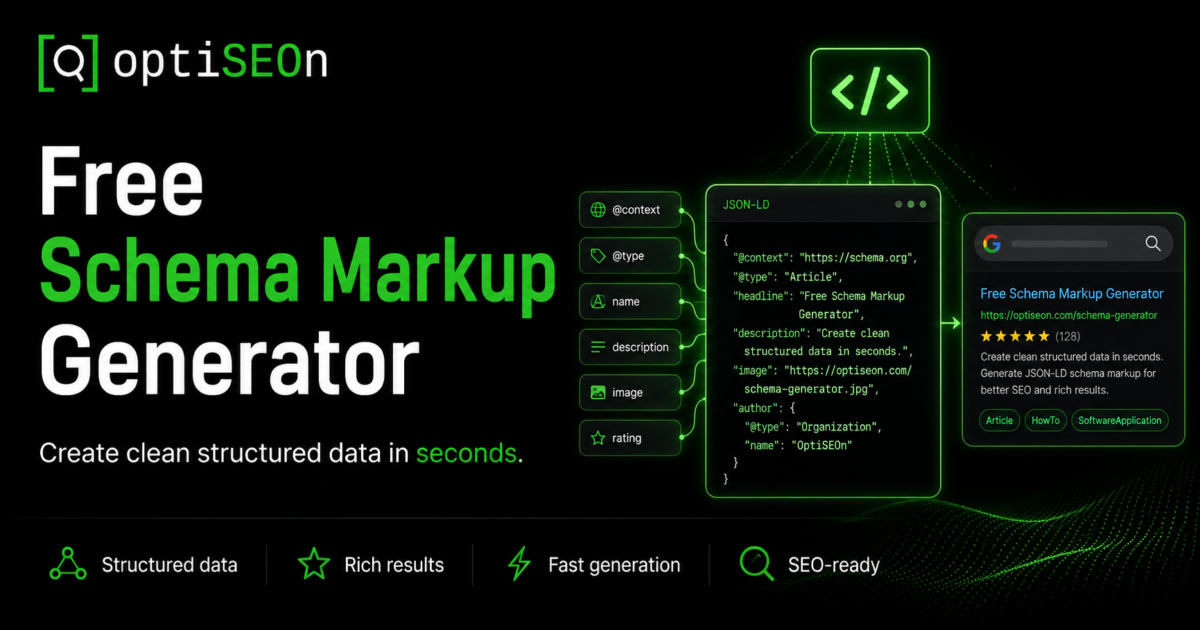
Schema markup is one of those rare SEO levers that’s both high-value and genuinely underused. Done right, it makes your pages eligible for rich results in Google, and it tells AI engines like ChatGPT, Perplexity, and Gemini exactly what your content is and who you are. Done wrong — or not at all — you’re leaving one of the clearest machine-readable trust signals on the table.
So why doesn’t every site have it? Because the traditional way of adding schema is tedious and easy to get wrong. You pick a type from a dropdown, hand-type every field into a form, hope you got the syntax right, paste it in, and cross your fingers. Most small teams try it once, find it fiddly, and move on.
We built a free tool to remove that friction. The OptiSEOn Schema Markup Generator takes a different approach: you paste a page URL, it figures out what kind of page it is, and it generates valid JSON-LD built from what’s actually on the page — no dropdowns, no manual data entry, no invented values. This post explains what it does, how to add the output correctly, and the one step you should never skip before shipping.
TL;DR
Schema markup is structured data (in JSON-LD format) that tells Google and AI engines what a page means. The free OptiSEOn Schema Markup Generator fetches any page URL, auto-detects its type (homepage, blog post, product, FAQ, contact page, and more), and generates valid, copy-paste JSON-LD built only from data found on the page — it never fabricates authors, dates, prices, or ratings. No signup, nothing stored. Always validate the output with Google’s Rich Results Test before you ship it.
→ Generate schema for any page · No signup · Nothing stored.
What is a schema markup generator?
A schema markup generator is a tool that produces structured data code — usually JSON-LD — that you add to a web page so search engines and AI systems can understand its content in a machine-readable way. Instead of writing the code by hand, you use the generator to produce valid markup for your page type, whether that’s an article, a product, an FAQ, or a local business.
The OptiSEOn generator differs from most in one important way: rather than making you choose a type and fill in a blank form, it reads your actual page, detects what kind of page it is, and populates the markup from real content.
What does the OptiSEOn schema generator do?
It fetches the page URL you paste, identifies the page type, and generates valid JSON-LD structured data built from what’s genuinely on the page — ready to paste into your <head>. It works for homepages, blog posts, products, FAQs, and contact pages, and produces types including Organization, WebPage, Article, Product, FAQPage, and LocalBusiness, among others.
What that means in practice:
- Auto-detection. You don’t pick a type from a dropdown. The tool works out whether it’s looking at an article, a product page, an FAQ, and so on, and generates the matching schema.
- Built from your real page. Titles, descriptions, and other values come from the page’s actual content — not a blank form you fill in and not made-up data.
- Valid, copy-paste JSON-LD. The output is formatted and ready to drop into your page’s <head>.
- Private and free. No signup, and nothing you enter is stored.
The result is a strong, accurate first draft in seconds. The two things you still own — reviewing it and validating it — are covered below, because skipping them is where schema goes wrong.
What is schema markup and JSON-LD, briefly?
Schema markup is a shared vocabulary from schema.org that labels the parts of your page — this is the author, this is the price, this is a review — and JSON-LD is the format Google recommends for adding it, a small script placed in your page’s <head>. Together they turn ambiguous text into explicit, machine-readable facts.
Without markup, a search engine has to guess whether “$199” is a price, a discount, or just a number in your copy. With Product schema, it knows. That clarity is what makes pages eligible for rich results (star ratings, FAQ accordions, breadcrumbs) and what helps AI engines identify and cite your content accurately.
A simple Article JSON-LD block looks like this:
json
{
“@context”: “https://schema.org”,
“@type”: “Article”,
“headline”: “Your Post Title”,
“author”: { “@type”: “Person”, “name”: “Author Name” },
“datePublished”: “2026-08-01”,
“publisher”: {
“@type”: “Organization”,
“name”: “Your Company”
}
}
For a full breakdown of which types matter and where to use each one, see our guide to the 10 schema markup types every business needs in 2026. This post is about generating them quickly; that one is about choosing them wisely.
How do I generate and add schema markup?
Paste your page URL into the generator, let it detect the page type and build the JSON-LD, copy the output, paste it into your page’s <head>, then validate it with Google’s Rich Results Test before publishing. The generation takes seconds; the validation is the step that protects you from shipping something broken.
Step by step:
- Go to the Schema Markup Generator and paste the URL of the page you want to mark up. No signup.
- Let it analyze. The tool fetches the page, detects its type, and generates matching JSON-LD from the page’s real content.
- Review the output. Confirm the detected type is right and the values match what’s visibly on the page.
- Copy the JSON-LD and paste it inside the <head> of that page (or via your CMS’s structured-data / custom-code field). In WordPress, most SEO plugins have a slot for custom JSON-LD; in Webflow or Wix, use a head-code embed.
- Validate before shipping. Run the page or the code through Google’s Rich Results Test and the Schema.org validator. Fix any errors or warnings.
- Repeat per page type. Generate one for each distinct template — homepage, article, product, contact — since each needs different schema.
Which schema types does the generator produce?
It generates the schema types that match common page templates — Organization and WebPage for homepages, Article for blog posts, Product for product pages, FAQPage for FAQs, and LocalBusiness for contact and location pages, among others. Because it detects the page type first, you get the right schema for each page instead of forcing one type everywhere.
Here’s how the common types map to pages:
| Page type | Schema generated | What it does |
| Homepage | Organization, WebPage | Identifies your business as an entity |
| Blog post / article | Article | Author, date, headline — feeds rich results and E-E-A-T |
| Product page | Product | Name, description, price, availability |
| FAQ section | FAQPage | Makes Q&A machine-readable for parsing and AI extraction |
| Contact / location | LocalBusiness | Address, hours, geo — critical for local SEO |
Organization schema is worth adding site-wide as your foundational entity signal, and Article plus Person schema on content pages feed the author-authority signals that both Google and AI engines weigh — which we cover in our E-E-A-T guide.
Why does “nothing invented” matter?
The generator only uses data found on your page — it never invents authors, dates, prices, or ratings, because fabricated values are exactly what gets schema flagged and penalized by Google. Structured data that doesn’t match your visible page content, or that fakes reviews and ratings, is a policy violation that can trigger manual actions — not a shortcut to rich results.
This is a guardrail, not a limitation, and it’s the same warning we gave in our schema markup guide: Review and AggregateRating schema must reflect real, displayed reviews; inventing them is one of the fastest ways to earn a penalty. A lot of schema tools and plugins will happily let you type in a 5-star rating for a page with no reviews. That “help” is a liability.
So if the generator leaves a field empty, that’s usually correct — it means the data isn’t genuinely on your page, and adding it manually would mean fabricating it. The fix is to put the real information on the page first, then regenerate.
Do I still need to validate the output?
Yes — always run generated schema through Google’s Rich Results Test before publishing, because broken structured data can do more harm than none at all. Google ignores invalid markup, and markup that conflicts with your visible content can hurt trust signals. Validation takes thirty seconds and catches the errors that would otherwise ship silently.
A quick validation checklist:
- Google Rich Results Test — confirms eligibility for specific rich result types and flags errors
- Schema.org validator — a stricter, vocabulary-level check
- Eyeball the values — make sure every field matches what a visitor actually sees on the page
- Check for duplicates — if your CMS or theme already outputs some schema, avoid conflicting or doubled markup
The generator gives you valid JSON-LD to start from, but your specific CMS, theme, or existing plugins can introduce conflicts only a validation pass will catch. Never skip it.
Schema is one signal. We optimize all of them.
Structured data tells Google and AI engines what your pages mean — but it works best alongside content, authority, and technical SEO that all agree with it. Schema on its own doesn’t rank a page or earn a citation; it amplifies the signals already there. Mark up a thin page and you’ve accurately described a thin page.
Schema sits inside a larger system, and the rest of that system is what turns “understood” into “ranked” and “cited”:
- Make sure AI crawlers can even reach the page. Check with our free robots.txt AI Crawler Checker — here’s why it matters.
- Structure content to be extracted and quoted. See how to get cited by ChatGPT, Perplexity & Gemini.
- Give AI systems a clean map of your site. Our free llms.txt generator builds one from your real pages.
- Build corroborating authority. Our Entity Signal Checker and AI Citation Tester show where you stand.
- Understand the strategy behind all of it. Start with AEO vs SEO vs GEO vs LLM optimization.
That end-to-end work — structured data, content, authority, and technical SEO tuned together for both search engines and AI answers — is what we do at OptiSEOn. The generator gets your markup right; the service makes it count.
Frequently Asked Questions
What is a schema markup generator used for? A schema markup generator produces structured data code (usually JSON-LD) that you add to a web page so search engines and AI systems can understand its content. It saves you from hand-writing the code and reduces syntax errors. The OptiSEOn generator goes further by auto-detecting your page type and building the markup from the page’s real content.
How do I add schema markup to my website? Generate the JSON-LD for your page, then paste it inside the page’s <head> — directly in the HTML, or through your CMS’s custom-code or structured-data field (most WordPress SEO plugins have one; Webflow and Wix use head-code embeds). Then validate it with Google’s Rich Results Test before publishing.
What format should schema markup be in? JSON-LD is the format Google recommends. It’s a self-contained script placed in the page’s <head>, separate from your visible HTML, which makes it easier to add and maintain than older formats like microdata or RDFa. The OptiSEOn generator outputs JSON-LD.
Does schema markup improve my Google rankings? Not directly. Schema doesn’t boost rankings on its own, but it makes pages eligible for rich results (star ratings, FAQ accordions, breadcrumbs) that improve click-through rate, and it helps AI engines understand and cite your content. The benefit is real but indirect — schema amplifies your other signals rather than replacing them.
Is it safe to use auto-generated schema? Yes, provided the values are accurate and you validate before shipping. The risk with schema isn’t automation — it’s fabricated data. A generator that pulls only from your real page content (and leaves fields empty rather than inventing values) is safe; one that lets you type in fake reviews or ratings is a liability. Always run the output through Google’s Rich Results Test.
Why is some schema data missing from my generated file? Usually because that data isn’t genuinely on your page. The OptiSEOn generator won’t invent authors, dates, prices, or ratings, since fabricated values are what get schema penalized. If a field is empty, add the real information to your page first, then regenerate — don’t fill it in with made-up data.
Is the OptiSEOn schema generator really free? Yes — no signup, and nothing you enter is stored. Paste a URL, get valid JSON-LD auto-built from your page. It’s one of several free tools we build, alongside our robots.txt AI Checker, llms.txt Generator, Entity Signal Checker, and AI Citation Tester.
Generate valid schema for any page in seconds — then validate and ship it with confidence. Use the free Schema Markup Generator. And if you want your structured data working in concert with content, authority, and technical SEO — for Google rankings and AI citations alike — OptiSEOn is a Dallas-based SEO, AEO, GEO, and LLM optimization agency. Book a free schema & SEO review.
Leave a Reply